
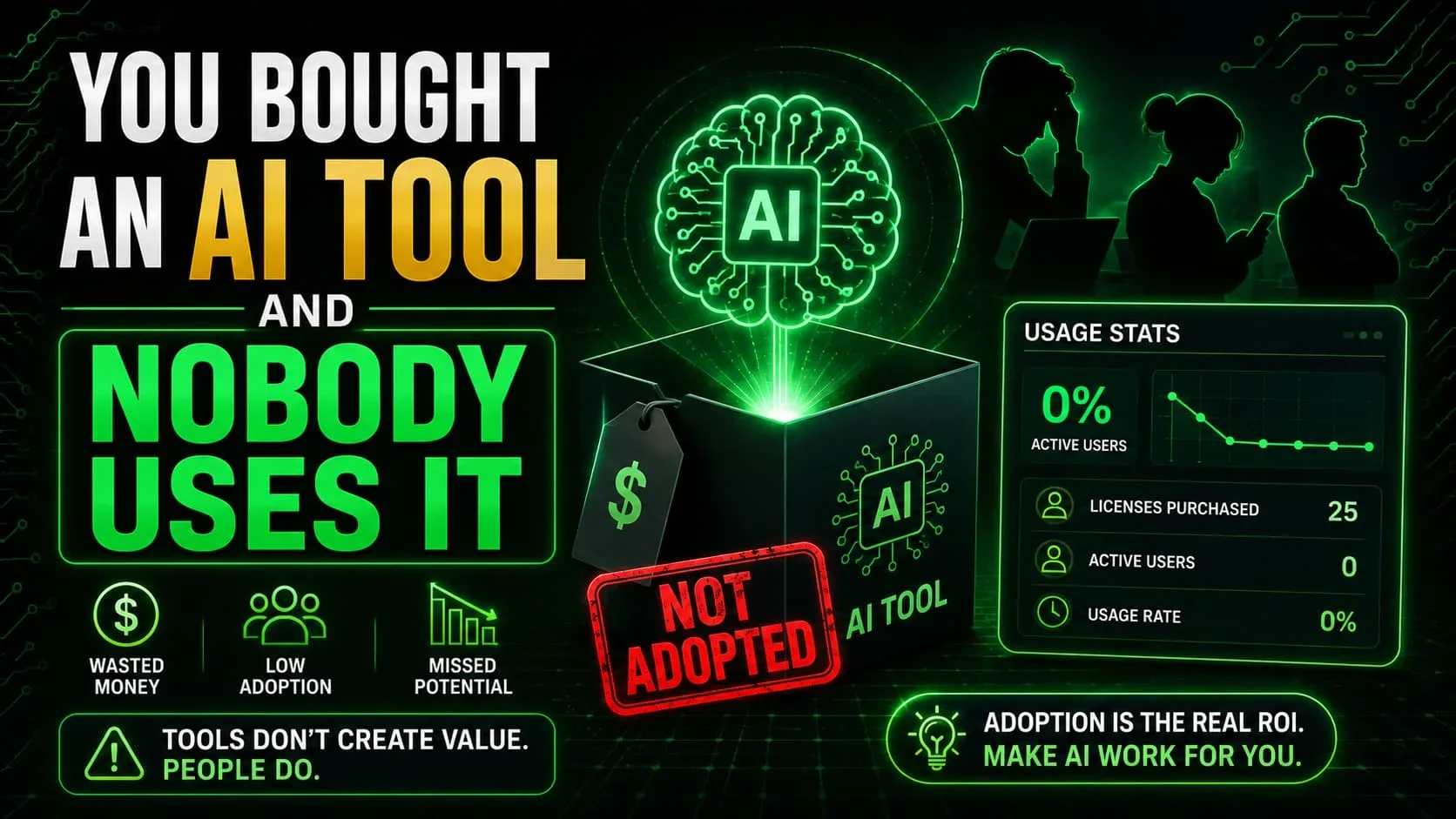
You bought the AI tool. You paid for the seats, sat through the vendor demo that looked incredible, ran a training session, and sent the announcement email. Three months later you check the usage dashboard and your stomach drops. Almost nobody is logging in. The team quietly went back to doing things the old way.
If that is you, take some comfort: you are in enormous company. This is the single most common AI adoption failure we see, and the numbers are brutal.
This is not a you problem, it is the norm
A widely cited MIT study looked at three hundred AI deployments and found that ninety-five percent of enterprise AI pilots delivered no measurable impact on the bottom line. Not small returns. Zero. In 2025, forty-two percent of companies abandoned most of their AI initiatives, up from seventeen percent the year before.
Zoom in and it gets sharper. In one documented case a company bought licenses for more than fifty employees. After the first month, fewer than ten were using the tool. Within ninety days, usage was basically zero. Surveys show more than half of workers quietly bypass the AI their company bought and just do the work by hand. The AI tool was not broken. It simply lost the fight against how people actually work.
Why the tool sits idle
The failure is almost never the model. Modern AI is genuinely capable. The failure is the gap between the tool and the way people do their jobs. A few patterns show up again and again.
The tool lives somewhere else. It is a separate tab, a separate login, a separate place people have to remember to go. Anything that sits outside the daily employee workflow gets forgotten by Wednesday. If your team lives in a CRM or a specific system all day and the AI does not connect to it, the AI loses. People will not context-switch to a tool that does not know anything about their actual work.
It solves everything and therefore nothing. Generic "AI assistant" tools are impressive in a demo and vague in real life. Faced with a blank box that can supposedly do anything, most people do not know what to type, get a shallow generic answer back, and conclude the thing is not that useful. A tool that does one specific job brilliantly beats a tool that does a thousand jobs adequately, every time.
The one job rule
The AI tools that get used share a trait: they do one clearly defined job that a specific person needs done, right where they already work. Not "boost productivity." Something concrete. Draft the first reply to this support ticket. Pull the three numbers I need from this contract. Flag which of today's orders look wrong. Summarize this call and drop the action items into the record.
When the job is that specific, three good things happen. People understand instantly what the tool is for, they can tell whether it did a good job, and it saves them real time on something they were already doing. That combination is what turns a tool from a novelty into a habit. Start narrow. One job, done so well that people would complain if you took it away. You can always add a second job once the first one has earned trust.
Build it into the employee workflow, not next to it
The single biggest lever for adoption is location. The AI has to show up inside the tool people already use, at the exact moment they need it, without anyone having to go somewhere else. The suggested reply appears in the inbox they are already reading. The extracted data lands in the system where the record already lives. The summary writes itself into the CRM the moment the call ends.
When AI is embedded in the flow of work, using it is the path of least resistance, and people take the path of least resistance every time. When it is a separate destination, using it is extra effort, and extra effort loses. This is the difference between a tool bought off a shelf and a custom AI tool built to sit inside the way your team actually operates. The technology can be identical. The adoption is not.
Point it at the back office, where the money is
Here is a detail from the MIT work that surprises people. More than half of AI budgets go into sales and marketing, but the biggest returns showed up in back-office work: the repetitive, structured, unglamorous tasks like processing documents, reconciling data, handling routine tickets, and pulling reports together.
Those tasks are boring, which is exactly why they are perfect for AI. They are repetitive, they follow rules, they eat hours, and nobody enjoys them. Automate the drudgery your team already resents and AI adoption is easy, because you are removing pain rather than asking people to learn a shiny new toy for its own sake. This is where AI overlaps with plain internal tools: often the highest-return move is quietly taking a rote back-office job off a person's plate. Chase the flashy customer-facing use case first and you often get the demo applause and none of the return.
Trust is earned one correct answer at a time
People stop using a tool the moment it burns them. One confidently wrong answer, one hallucinated number that made it into a client email, and they will never trust it again. An AI tool that people cannot rely on is worse than no tool, because now they double-check its output, which is slower than just doing the work themselves.
Reliable AI is built, not assumed. It works from your real data, stays inside a defined scope instead of free-forming, shows its sources so a person can verify, and hands off cleanly to a human when it is unsure. Narrow, grounded, and honest about its limits beats broad and overconfident. The goal is a tool people trust enough to stop checking, and that trust is the whole difference between a tool that gets used and one that gets abandoned.
How to restart an AI tool nobody uses
If you already own an idle tool, you do not necessarily need to throw it out. Start by watching how your team actually works and find the single most repetitive, most hated task in their day. Ignore the vendor's feature list entirely. Then shape the AI around that one job, deliver it inside the employee workflow they already use, and make sure it is right often enough to trust. Get one job genuinely loved before you add a second.
AI adoption is not a training problem or a discipline problem. It is a design problem. Build the AI around a real job, put it where the work happens, and make it reliable, and people use it without being told to. Skip those and no amount of mandates or reminders will save it.
The bottom line
The AI tool gathering dust in your account did not fail because AI does not work. It failed because it was built for a demo instead of for your team's Tuesday. The version that gets used is narrow, embedded, and trustworthy, and it usually earns its keep in the unglamorous back-office work everyone else is ignoring.
Frequently Asked Questions
We already paid for an AI tool nobody uses. Do we have to scrap it?
Not necessarily. Start by watching how your team actually works and find the single most repetitive, most hated task in their day. Ignore the vendor's feature list. If the tool can be shaped around that one job and delivered inside the system people already use, it may be salvageable. If it can only live in a separate tab, that is usually the real problem.
Why did our team go back to the old way after training?
Training was never the issue. People revert when the tool sits somewhere else, solves everything and therefore nothing, or burned them with a wrong answer. If using the AI means switching tabs and logging in separately, that friction beats any training session. Adoption is a design problem, not a discipline problem. Put the tool where the work already happens and the reverting stops.
Should we build a general AI assistant or something narrow?
Narrow, every time. A blank box that can supposedly do anything leaves people unsure what to type, and they get shallow answers and give up. A tool that does one concrete job brilliantly, draft this reply, pull these three numbers, flag these orders, becomes a habit because people instantly understand it and can tell it worked. Add a second job only once the first is loved.
How do we stop the AI from giving confidently wrong answers?
Reliability is built, not assumed. The AI should work from your real data, stay inside a defined scope instead of free-forming, show its sources so a person can verify, and hand off to a human when it is unsure. One hallucinated number in a client email and people stop trusting it for good. Narrow and grounded beats broad and overconfident.
Where in our business will an AI tool actually pay off?
Usually the back office, not the flashy customer-facing use case. The MIT research found the biggest returns in repetitive, structured work: processing documents, reconciling data, handling routine tickets, pulling reports together. Those tasks are boring, rule-following, and eat hours nobody enjoys, which is exactly what makes them ideal. Automate the drudgery your team already resents and adoption comes easily.
What does it mean to embed AI in the workflow instead of next to it?
It means the AI shows up inside the tool people already use, at the moment they need it, without going anywhere else. The suggested reply appears in the inbox they are reading. The summary writes itself into the CRM when the call ends. When using it is the path of least resistance, people take it. When it is a separate destination, it loses.
Is a custom AI tool really different from an off-the-shelf one?
The underlying technology can be identical. The difference is fit. An off-the-shelf tool lives in its own place and knows nothing about your specific work. A custom tool is built to sit inside your team's systems and do a job they already do. That fit is what turns the same capability from an ignored account into something people would complain about losing.
If you have a tool nobody touches, or you want to build one that people would fight to keep, we can help you find the right first job and build the AI around it. Start the conversation on our contact page.